Canasta Score
Canasta Scoring App
Score your Canasta round faster.
Canasta Score point counter helps you track teams, rounds, bonuses, and card values. Use the photo scanner to count laid-down cards, review the results, then confirm your score. No downloads. No registration. No credit cards. It's that simple!
A♥
A♣
A♦
A♠
2♦
A♣
A♥
JOKER
Simple round-by-round scoring.
Set up your teams, add bonuses, enter or scan positive card points, subtract or scan cards left in hand, and keep a clean running total until someone reaches your end-game score.
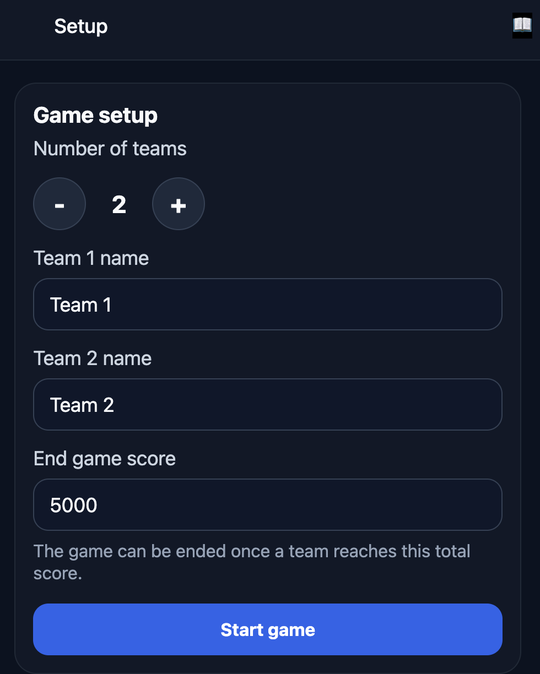
1. Create your game
Add teams, set your target score, and start Round 1.
2. Scan or enter points
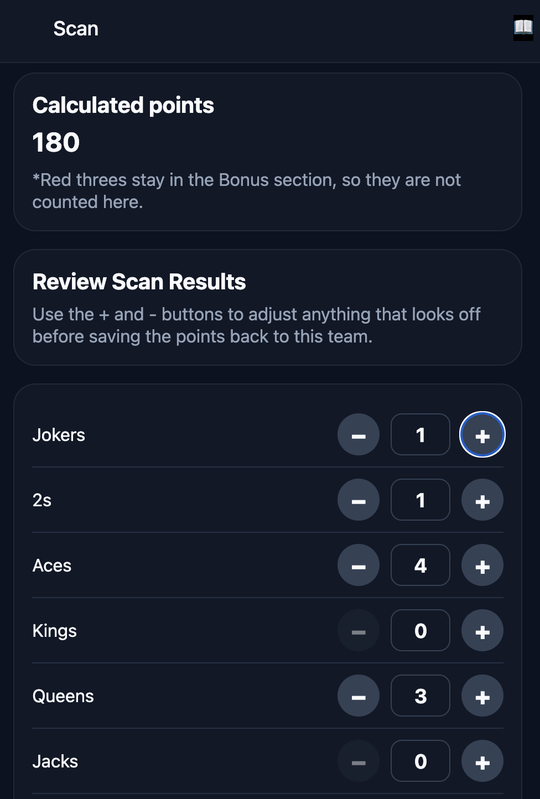
Take a clear photo of the cards your team laid down, then review the detected counts.
3. Confirm the round
Add bonuses, subtract negative points, and save the round total.
Live score sync between teams
Every team scores from their own device.
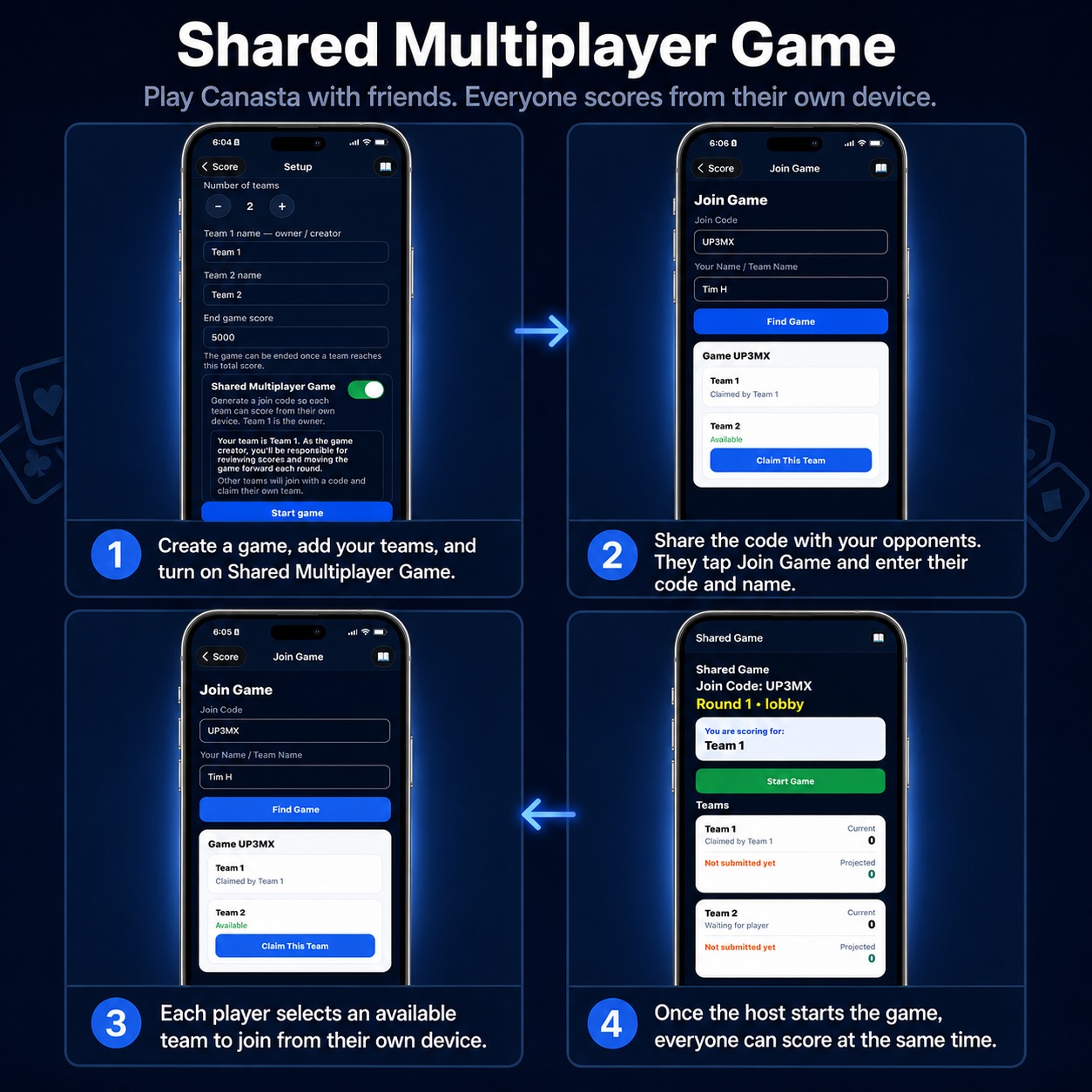
Create a shared game room, invite each team with a unique code, and let everyone score from their own phone or tablet as the game is played. No passing one phone around the table.
1
Create the room
The game owner starts the game, sets the rules, and shares the room code.
2
Teams join from their device
Each team enters the code, selects their team, and keeps their own score.
3
Scores stay in sync
The game owner reviews scores, advances rounds, and everyone sees the latest totals.
How to take the best scan photo.
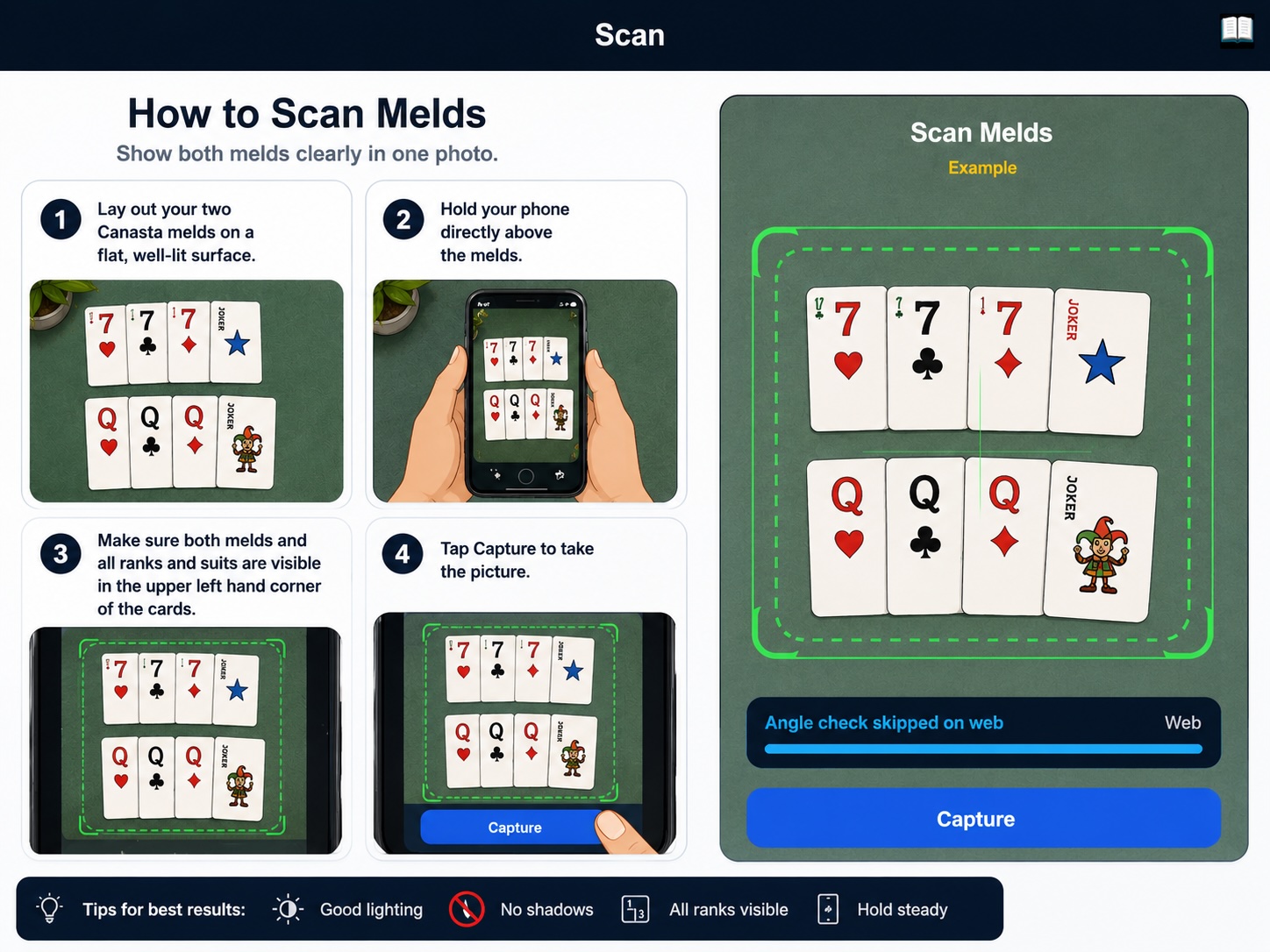
Designed to work with standard or jumbo Bicycle playing cards. For best accuracy, take a bird’s-eye photo directly above the cards. The scanner works best when the upper-left rank labels are clearly visible and neatly aligned.
Do this
- Use standard or jumbo Bicycle cards.
- Hold the phone flat above the table.
- Use a bird’s-eye angle, not a side angle.
- Keep all cards fully inside the photo.
- Make sure the upper-left ranks are visible.
- Align cards in clean horizontal and/or vertical stacks.
- Use bright, even lighting with minimal glare.
Avoid this
- Do not cover the upper-left rank labels.
- Do not overlap cards so the rank is hidden.
- Do not take the photo at a steep angle.
- Do not crop out any cards.
- Do not use blurry, dark, or glare-heavy photos.
- Do not mix messy piles with clean meld stacks.
Coming Soon
More ways to play, score, and stay in sync.
Canasta Score is just getting started. We’re working on native mobile apps and a new Gameroom experience designed for real tables, real teams, and faster scoring during live play.
📱 iOS App
A dedicated iPhone app with a smoother mobile experience, faster access, card scanning, scoring history, and future push notification support.
🤖 Android App
Canasta Score is coming to Android too, so more players can scan cards, track rounds, and manage games right from their phone or tablet.
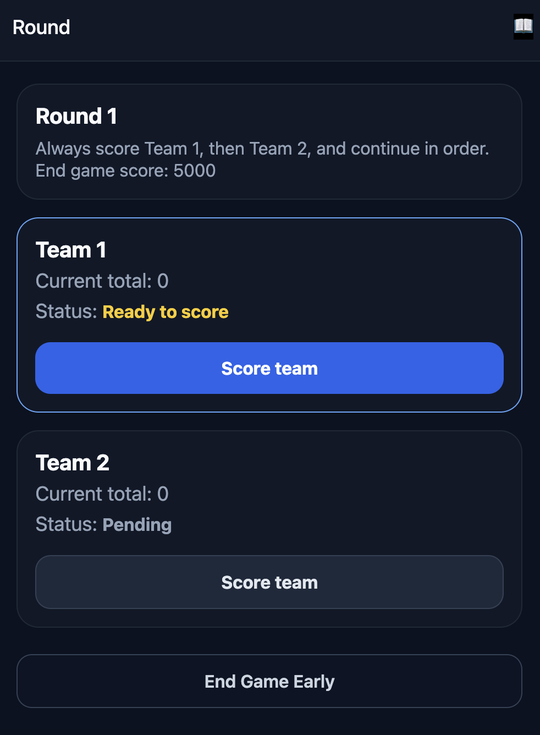
Simple screens for every round.
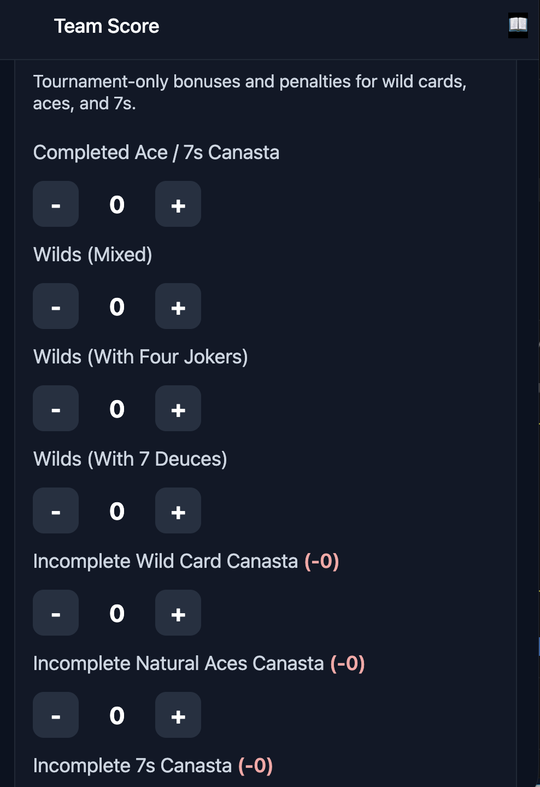
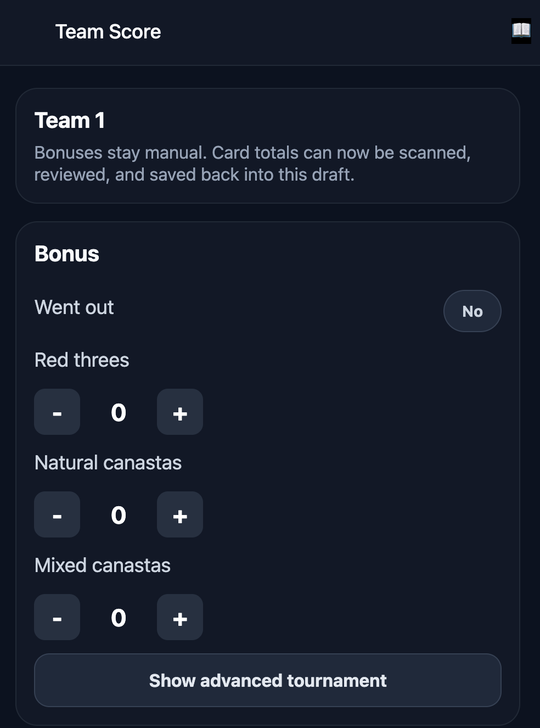
Scan cards, review counts, and manage bonuses.
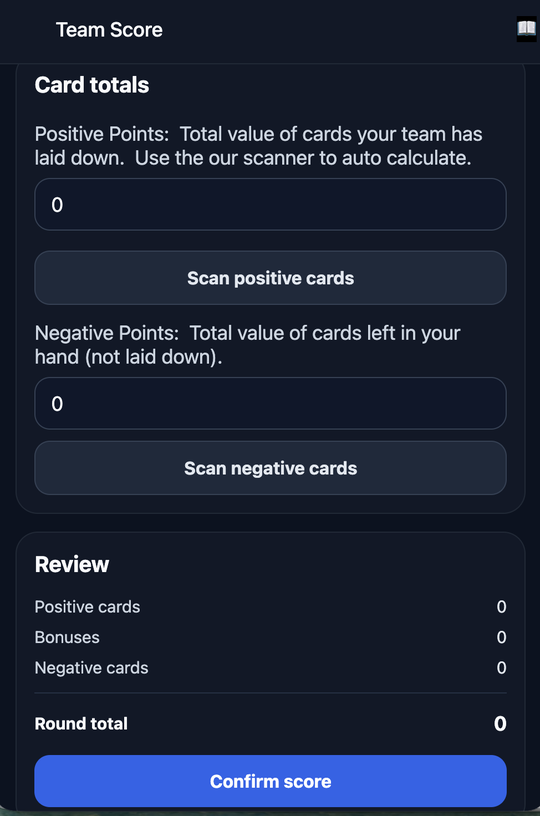
Built for real Canasta players.
Team scoring
Track each team’s current total, entered score, round total, and new total.
Bonus support
Add went out, concealed hand, red threes, canastas, and advanced tournament bonuses.
Review before saving
The scanner helps calculate, but you stay in control before the round is confirmed.
Ready to score?
Start your game, scan your cards, review the results, and keep the table moving.
Launch Canasta Score